
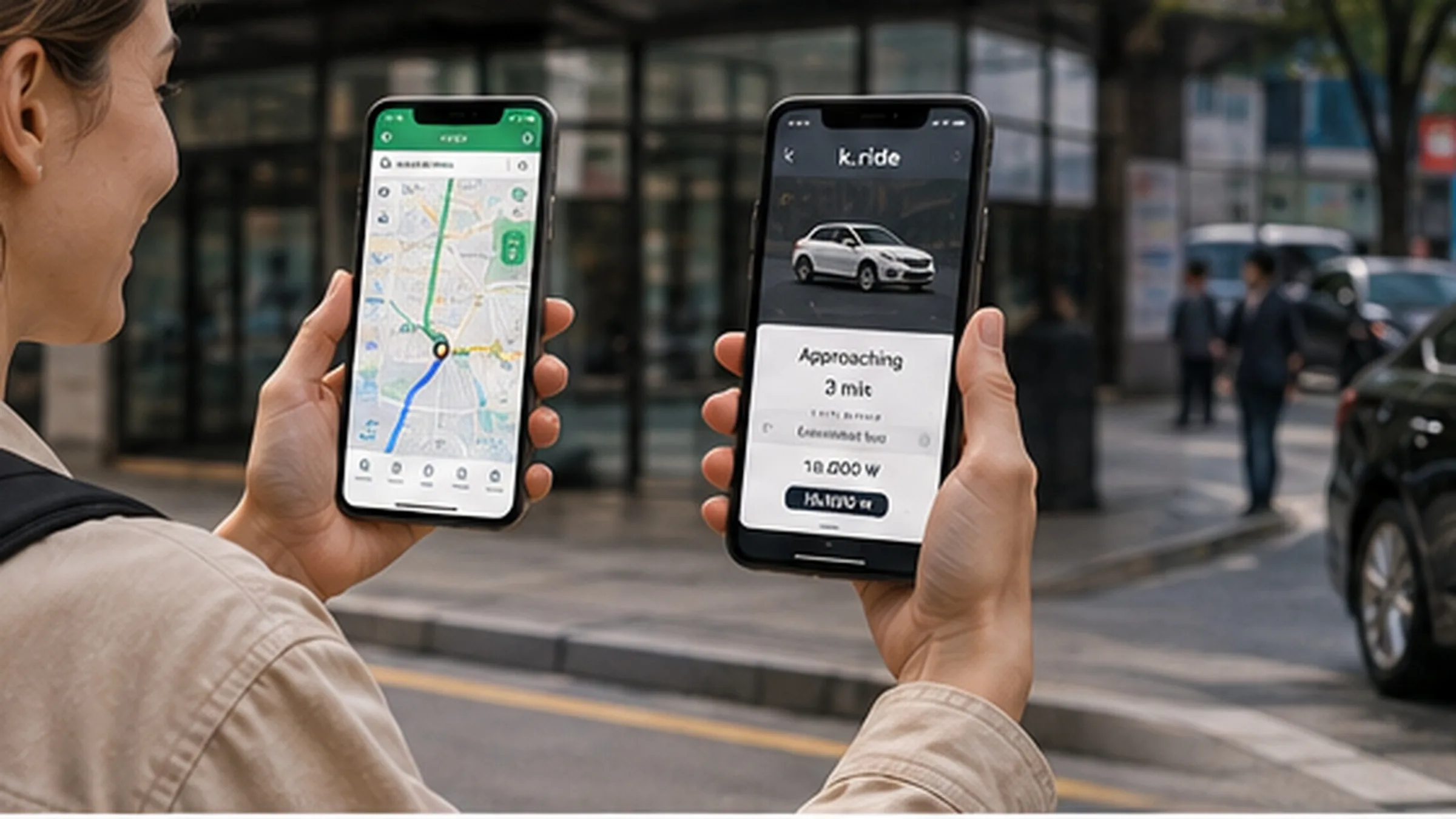
When you travel in Korea, you will pull out your phone several times a day. How do I get from my hotel to Gwanghwamun? Does this bus go to Hongdae? Where is the nearest subway station? Is there a restaurant nearby that is open now? What time does that café close? And after walking around all day, one thought eventually appears: “I can’t walk anymore. Let’s take a taxi.”
You do not need to make either of these problems complicated. Remember just two apps. For directions and place search, use NAVER Map. For taxis, use k.ride. Their roles are simple. If you want to know where something is and how to get there, use NAVER Map. If you just want a car to take you there, use k.ride. If this is your first trip to Korea, learn these two apps first.
Start with NAVER Map when looking for places in Korea
NAVER Map is not an app made only for tourists in Korea. It is a map Koreans use in everyday life. They check when the bus is coming on the way to work, search for a restaurant a friend recommended, check café opening hours, find an unfamiliar hospital or building, see how many subway transfers are needed, and use it for driving directions.
Travelers can use almost the same functions. Hotels. Restaurants. Cafés. Tourist attractions. Shopping malls. Concert halls. Hospitals.
Convenience stores. Subway stations. Bus stops. Search the name and choose the place you want. NAVER Map supports four interface languages, including Korean, English, Chinese and Japanese, and NAVER also provides separate multilingual guides for foreign users. You do not have to translate Korean menus one by one. Change the app language to one you can use and start there.
When traveling, you will usually search place names rather than full addresses
Korean addresses can look a little complicated at first. Seeing something like Sejong-daero, Jung-gu, Seoul... can make you tired before the trip even starts. In actual travel, however, there is rarely a reason to memorize a full address. Just search the place name. Lotte World. Gwangjang Market. Gyeongbokgung Palace.
Seoul Station. Busan Station. The hotel you booked. The restaurant you want to try. The café you want to visit. Search the place name, choose the correct result, then tap directions. Done.
If a hotel is part of a chain and several branches have the same name, check the district or address once more. Koreans use map apps this way too. Most people do not walk around memorizing street addresses. They search the place and let the map handle the rest.
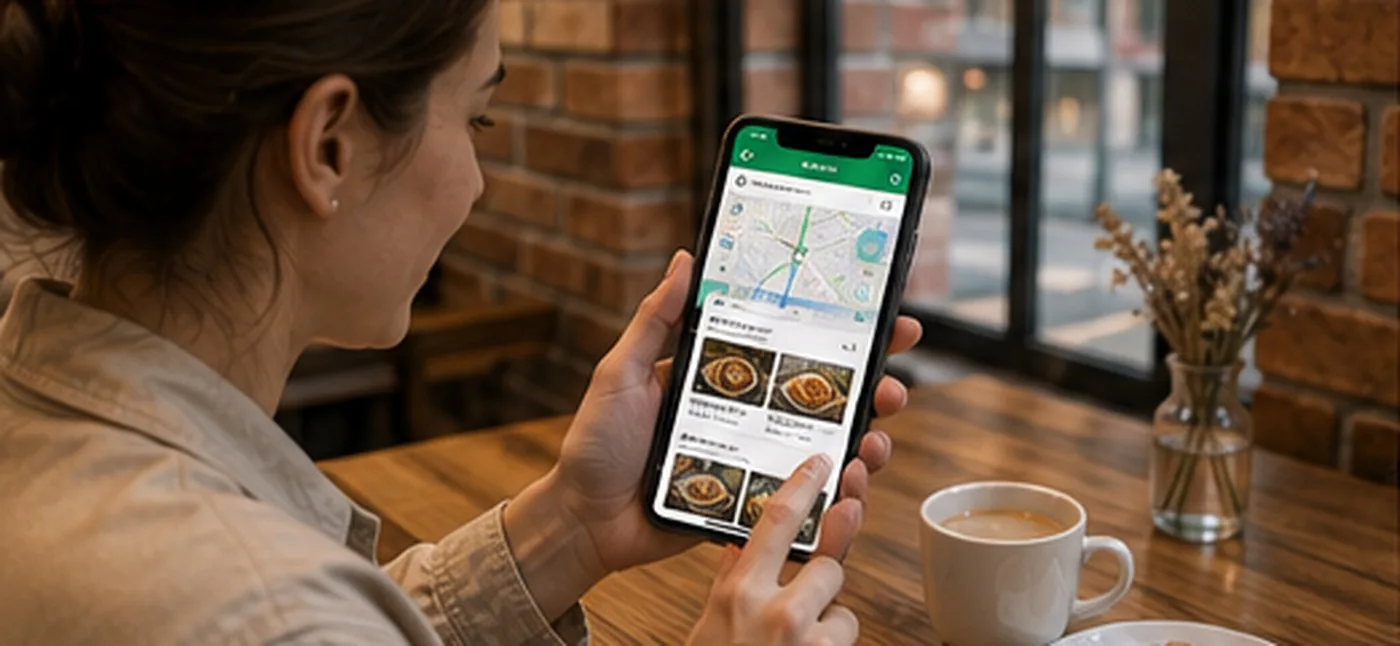
It becomes even more useful when choosing restaurants and cafés
A map while traveling is not only an app that tells you how to get somewhere. It is also an app that helps decide where you will eat today. Imagine you are walking around Seongsu-dong and want lunch. Open NAVER Map and search for restaurants nearby. Restaurants appear on the map. Tap one. There are photos.
There are opening hours, a location, a phone number and reviews left by visitors. You can also see where similar restaurants are nearby. The same applies to cafés. If you want a restaurant that is open late, check the opening hours. You can also see whether the place is closed today.
The strength of a local map service is the amount of place data and reviews accumulated by people who actually live in Korea. NAVER Map is built on a large Korean place-information database, and NAVER provides English, Chinese and Japanese translation features so foreign users can read reviews written by Korean users. Place-search filters are also offered in multiple languages. This means you do not have to copy every Korean review into a translator. The translation may not always be perfect, but comments such as “The food was good,” “The wait was long,” and “The café was quiet” are still useful.
So is something like “It gets crowded on weekends.” Once you move a little beyond the most famous tourist attractions, this kind of local information becomes even more valuable.
If you want to find places Koreans actually go
Travel sites made for foreign visitors naturally feature many already-famous places. Those are useful too. On your first trip to Seoul, you may want to see Gyeongbokgung Palace and visit Myeong-dong. After a few days, however, another question often appears: “Where do Koreans go in this neighborhood?” NAVER Map is strong in moments like this. In 2026, NAVER again ran its BE LOCAL campaign introducing local places in Seoul and Busan to foreign visitors, working with Busan Metropolitan City and the Korea Tourism Organization to feature about 300 locations. So you do not need to finish your entire trip by saving only famous attractions before you arrive.
You can arrive in the neighborhood and search around you. It is lunchtime, so you look at nearby restaurants. You want coffee, so you check nearby cafés. You want a drink in the evening, so you search around the area. A place you never planned to visit may become one of the most memorable parts of the trip.
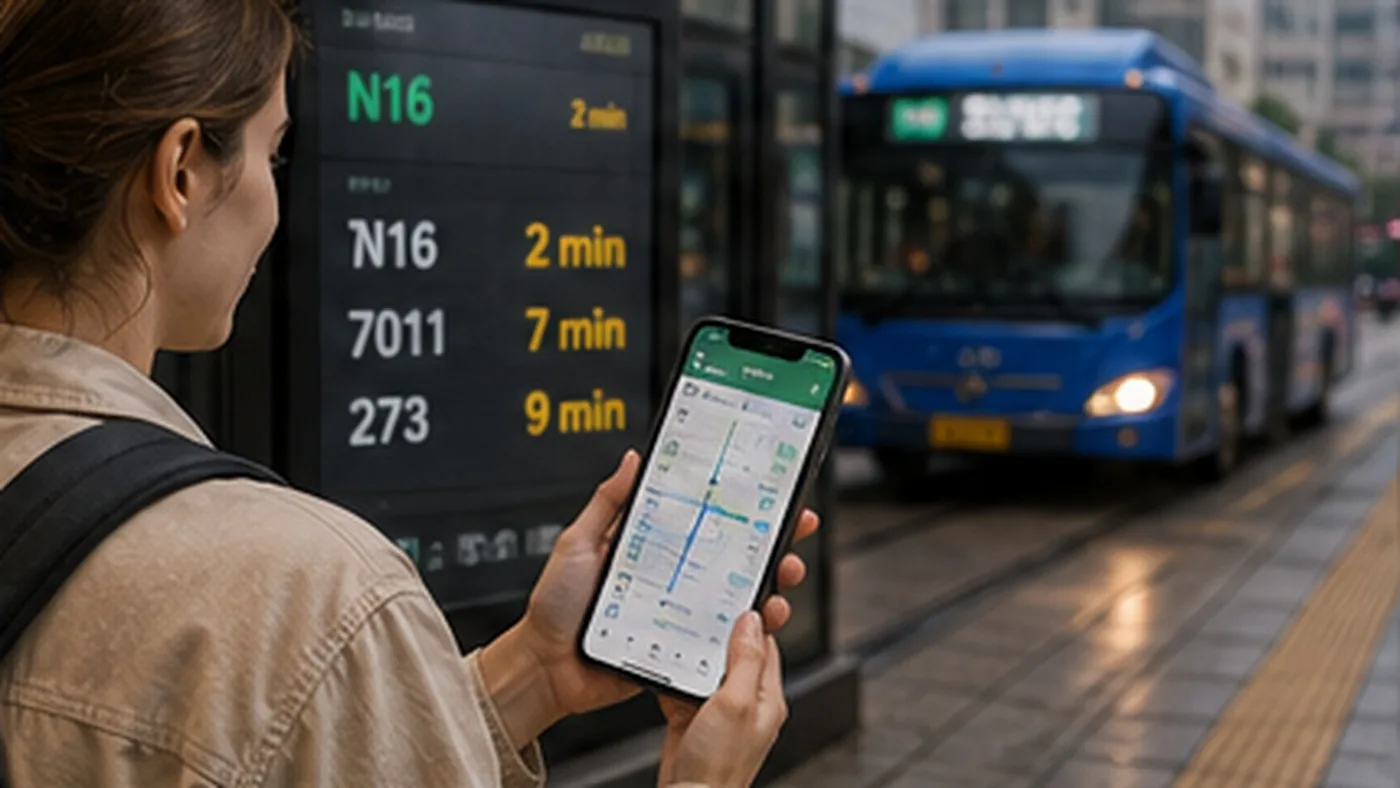
Follow NAVER Map for buses and subways
Korea’s public transportation network can look complicated at first. Seoul alone has many subway lines, and there are an enormous number of buses: trunk buses, branch buses, village buses and metropolitan buses. A first-time visitor has no reason to study this entire system.
Just search the destination. Suppose you are going from Myeong-dong to Gwangjang Market. Find Gwangjang Market in NAVER Map, tap directions and choose public transportation. Several routes appear: a route by bus, a route by subway and other combinations.
You can see the walking sections, estimated travel time, number of transfers, which stop to get off at and which subway station to use. Choose one based on that information. Even in a foreign-language interface, NAVER Map provides real-time public-transport arrival information, subway maps, boarding and alighting guidance, and alternative transport options. NAVER created a separate guide for foreign users because public-transport navigation is one of the app’s core functions alongside place search. So do not try to memorize Seoul’s subway map before your trip.
Koreans do not memorize it either. They look at a map app.
You can also see how many minutes until the bus arrives
You reach the bus stop, but there is no bus in sight. When will it come? Check NAVER Map. See how many minutes remain, then wait. Check the bus number and get on. The subway works similarly. You can see at which station to transfer.
Check which direction the train is going and which exit will be most convenient near your destination. Korea’s public-transport system is complicated, but what the traveler actually needs to do is surprisingly simple. Search the destination. Choose a route. Move according to the screen. That is all.
If you go the wrong way, just search again
Almost nobody travels without ever taking a wrong turn. You may come out of the wrong exit, board a bus in the opposite direction or walk past an alley. It is not a disaster. Open NAVER Map again, check your current location and select your destination again.
Restart directions. A map app is useful not because it makes you memorize the route perfectly. It is useful because it lets you recover even when you make a mistake. So there is no reason to panic in an unfamiliar Korean alley. If you went the wrong way, search again.
Reservations are also moving into NAVER Map
NAVER Map is expanding beyond maps and directions. You find a restaurant. If it accepts reservations, the app can connect you to the reservation function. Some places also support ordering. For foreign visitors, the familiar barrier in Korean apps used to be a Korean mobile-phone number and identity verification. A short-term traveler may not have a Korean number, and even with one, may not be able to use Korean-style identity verification.
In June 2026, NAVER introduced Passport Verification, an identity-verification feature using a passport issued overseas. Foreigners without a Korean mobile number can verify themselves with a passport on a smartphone and use some NAVER Booking, NAVER Order and payment services linked to NAVER Map. In other words, the role of a map app in Korean travel is gradually getting larger. Find a place. Find the route. Read reviews. Make a reservation. In supported places, even pay.
Not every feature is available at every place, but the range that foreign users can access keeps expanding.
Eventually there comes a moment when you simply do not want to walk anymore
Up to this point, this has been a map story. But every trip eventually has a moment like this. You have been out since morning. You have walked more than 20,000 steps. Your feet hurt. You are holding three shopping bags. Suddenly it starts raining. In summer, it is hot.
In winter, it is cold. The map says the subway station is a 15-minute walk away. Not today. Let’s take a taxi. The app for that is k.ride.
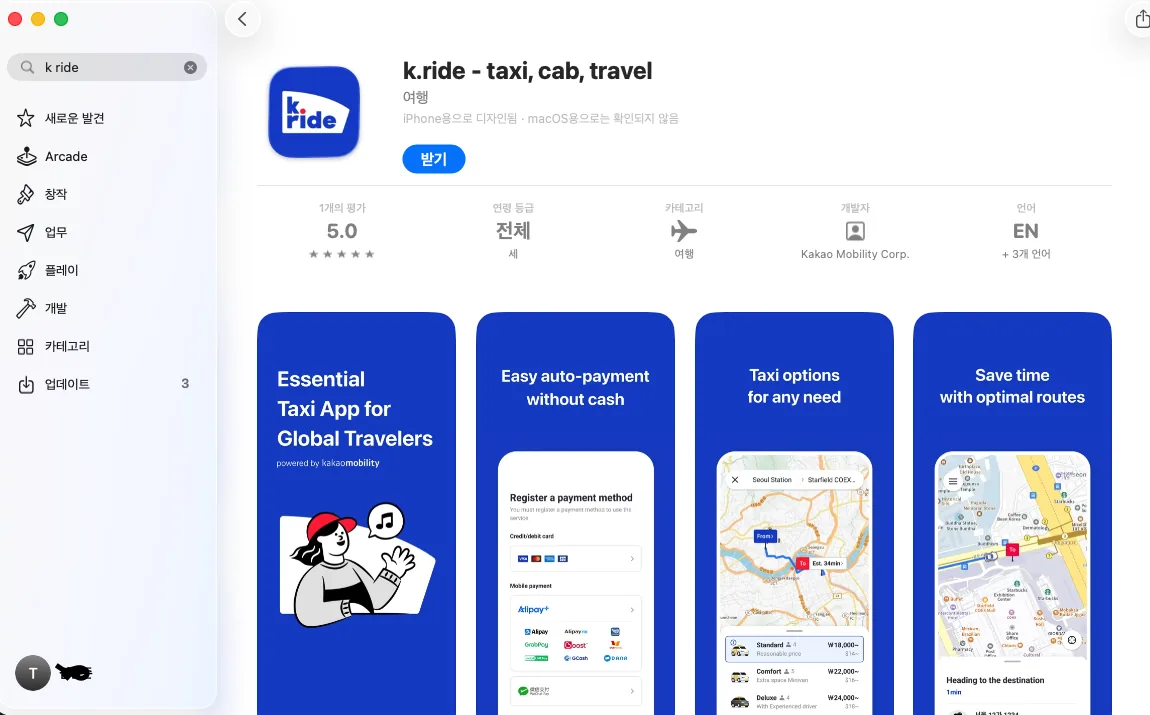
k.ride is a taxi-hailing app built for foreign users
k.ride is a mobility service created by Kakao Mobility for foreign users. In Korea, it can call vehicles through the taxi-hailing infrastructure used by Kakao T. Kakao T is a very familiar name to Koreans. People use it to call taxis, check the assigned vehicle and pay through the app. The easiest way to understand k.ride is that it is a separate app that makes this Korean taxi-hailing system easier for foreign users. Travelers do not have to learn the Korean app environment first.
Just install k.ride.
Even signup was designed around foreign users
Install the app and sign up. A Kakao account is not mandatory. According to Kakao Mobility’s official guide, after entering a phone number you can sign up using Google or Apple account authentication, or email verification. Then comes the part that matters most to travelers: you can register cards issued overseas. Taxi fares can be automatically charged to the registered card, and overseas mobile-payment options such as Alipay and GrabPay are also supported. So you do not need to carry cash every time you take a taxi in Korea.
Register a payment method in the app. Call a taxi. Reach the destination. Payment happens automatically. Get out. Done.
You do not have to say the destination in Korean
One of the surprisingly awkward parts of taking a taxi abroad is explaining the destination. You say the hotel name, but the driver does not understand. You show the address, zoom in, explain again and repeat the pronunciation several times. With k.ride, you choose the destination in the app from the start. Once you call a car, the driver can also see the destination.
The app interface itself currently supports English, Japanese, Simplified Chinese and Traditional Chinese. The actual language support is broader: destination search and chat with the driver support 133 languages. You can exchange messages using automatic translation. For example, the driver sends, “I’m in front of the hotel,” or “Where are you?” You read the message in the app.
If needed, reply in your own language. Automatic translation delivers it. Not speaking Korean does not prevent you from using a taxi.
You can see an estimated fare before calling the car
Price is one of the most worrying things about taking a taxi in a country you are visiting for the first time. Is this distance expensive? What is a normal fare? Is there any way to know before calling? k.ride lets you check an estimated fare first. Kakao Mobility also highlights this as a core feature: check the estimated fare and then request the vehicle. Suppose it shows an estimated fare of 18,000 won to your hotel. That seems fine.
Call the car. If you think it is too expensive, look for another way to travel. The traveler gets to choose. The final fare can vary depending on traffic and actual driving conditions, but knowing roughly what the trip may cost before you leave is very different from knowing nothing.

Several vehicle types appear. Which one should you choose?
When you open k.ride, you may see several vehicle options. The main types currently listed officially are Standard, Comfort, Deluxe and Luxury. There is no need to make this complicated.
For ordinary trips, start with Standard. It is the basic choice for one or two travelers with normal luggage. But suppose you have just left the airport. There are four people and four suitcases. Will everything fit in an ordinary sedan? In that case, check Comfort. Comfort uses roomier minivan-type vehicles.
Deluxe is a higher-tier option emphasizing experienced drivers and a higher service level, while Luxury focuses on premium sedans. Most travelers only need to remember this: For normal trips, Standard. For more people and more luggage, Comfort.
Always check the vehicle number
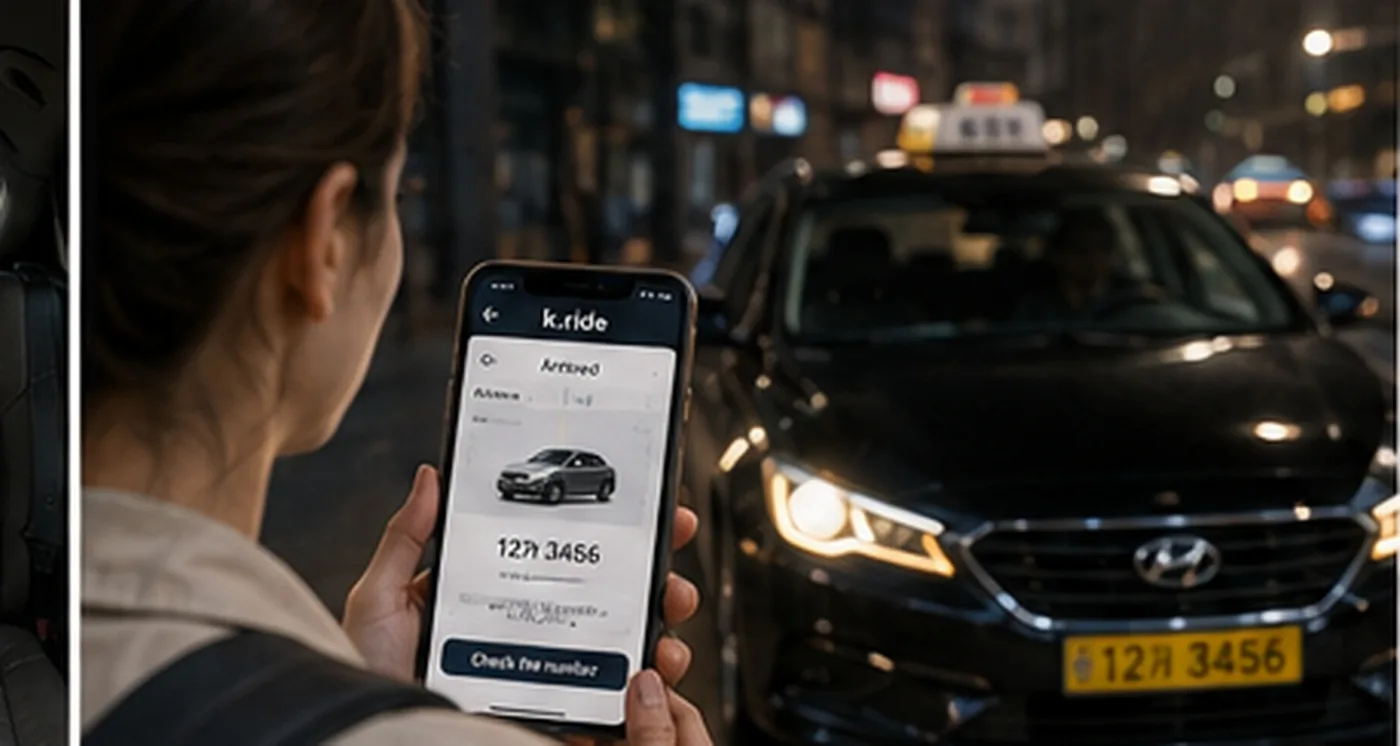
You called a taxi. A vehicle has been assigned. The app shows its information. Check the vehicle number. When the car arrives, look at the license plate and make sure it matches the number in the app. Then get in. In busy parts of Korea, several people may be waiting for taxis in the same place at the same time.
Gangnam Station. Hongdae. Myeong-dong. Seoul Station. The airport. Several taxis can arrive at once. Do not look only at the vehicle color and think, “Is that mine?”
Check the license plate once before getting in. It takes only a few seconds.
You can also reserve a ride in advance
k.ride is not limited to cars you need right now. It currently also offers advance reservations for a chosen time and place in Korea and Guam. For example, you have to go to the airport early the next morning and need a taxi at 5 a.m. In that situation, you can check whether an advance-reservation option is available. If you have an important schedule, it is better to know about this option than to leave everything until the last minute.

One thing: do not cancel without thinking
A taxi has been assigned, but you change your mind and cancel. If you keep doing that, it can cost money. k.ride’s official paid-service terms state that, depending on vehicle type, a cancellation fee may be charged if you cancel after a certain time following assignment or if the vehicle arrives and you do not board. For example, some Deluxe calls have a 2,000-won cancellation-fee standard, Comfort 4,000 won and Luxury 5,000 won. Standard may follow the partner operator’s policy, and some products may have separate service fees. So do not repeatedly call and cancel just for fun. Request a car when you actually need one.
Let’s use NAVER Map and k.ride together in a real travel situation
Imagine a real day of travel. You have been around Seoul all day, had dinner in Hongdae, and your hotel is in Myeong-dong. First open NAVER Map. Search your hotel, tap directions and see that the subway will take about 40 minutes.
Check how far you have to walk. The subway seems fine, so you follow the route. On another day, however, it is pouring rain and you also have a suitcase. Search the hotel in NAVER Map. You know where it is.
But you do not want to take public transportation. Open k.ride. Search the hotel as the destination, check the estimated fare, choose Standard or another vehicle you need, request it, check the vehicle number and get in.
You arrive at the hotel and payment is automatic. That is the relationship between the two apps. NAVER Map solves “Where is it, and how do I get there?” k.ride solves “I understand. I just want a car to take me there.”
That is what it does.
You do not need to know every complicated feature while traveling
NAVER Map has many functions. k.ride has many functions too. You do not need to read the entire manual before your trip. For NAVER Map, start with just these: place search, directions, public transportation, and nearby place information.
For k.ride, remember these: destination search, estimated fare, vehicle choice, request, vehicle-number check, and automatic payment. Learn the rest only when you need it.
You do not need to become an expert in Korean apps just to travel.
Two sentences to remember when traveling in Korea
Lost in Korea? Open NAVER Map. Curious what is nearby? Open NAVER Map. Not sure whether to take a bus or subway? Open NAVER Map. Walked all day and cannot take another step? Open k.ride.
It is raining? Open k.ride. Too many suitcases? Open k.ride. The last train has gone? Open k.ride. Getting around Korea does not need to feel difficult. Find Korean place information and public transportation in NAVER Map,
and call a taxi with k.ride when you need one. For directions, NAVER Map. For taxis, k.ride. Remember those two.
References
- NAVER, multilingual place information and review translation in NAVER Map — Korean, English, Chinese and Japanese support, plus translated place reviews and filters. https://www.navercorp.com/en/media/pressReleasesDetail?seq=32081
- NAVER, NAVER Map guide for foreign users — place search, real-time public transportation, subway and boarding/alighting guidance. https://www.navercorp.com/en/media/pressReleasesDetail?seq=32216
- NAVER, Passport Verification — expanded reservation, ordering and payment access for foreigners without a Korean mobile number. https://www.navercorp.com/en/media/pressReleasesDetail?seq=10034413
- NAVER, 2026 BE LOCAL — local-place recommendations in Seoul and Busan for foreign visitors. https://www.navercorp.com/media/pressReleasesDetail?seq=10034414
- Kakao Mobility, k.ride — multilingual support, estimated fares, vehicle types, destination search and translated driver chat. https://kride.kakaomobility.com/?lang=en
- Kakao Mobility, k.ride launch and expansion — overseas-card automatic payment and signup options for foreign users. https://www.kakaomobility.com/k-ride
- k.ride paid-service terms — vehicle-specific fares, service fees and cancellation-fee standards. https://kride.kakaomobility.com/webview/terms/23?languageCode=en